
A potential customer searches for your business online but cannot find a website. They may struggle to understand your services, compare your offerings, or contact you. This is an opportunity your business could be missing.
Learning how to create a website for your business can help you establish an online presence, present your services professionally, and make it easier for potential customers to discover your brand. You do not necessarily need advanced coding skills or a large budget to get started.
In this guide, you will learn how to plan, build, design, and optimize a business website, along with the SEO practices that can help people find it through search engines.
Why Does Your Business Need a Website?
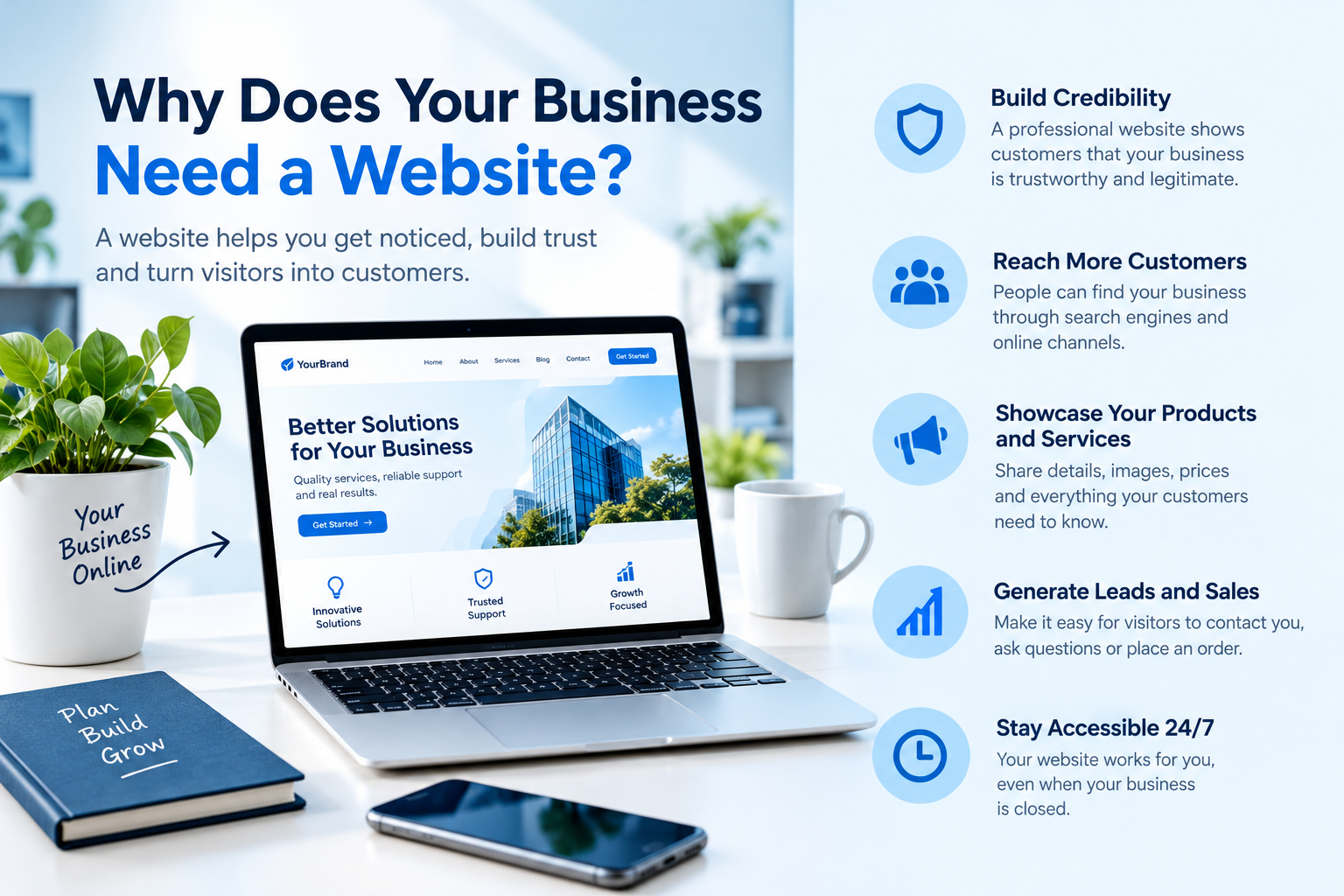
Social media pages are useful for promoting a business, but they do not replace the flexibility of having your own website. A website gives you a central place to explain your services, showcase your work, answer questions, and collect customer enquiries.
For example, a freelance digital marketer can use a website to display SEO services, Google Ads campaigns, portfolio projects, and contact information. A local shop can use its website to showcase products, share opening hours, and attract customers searching for nearby businesses.
A well-planned website can help you:
- Build credibility and establish your brand identity.
- Reach potential customers through organic search.
- Present products and services clearly.
- Generate enquiries and sales opportunities.
- Publish helpful blog articles that answer customer questions.
However, simply publishing a website does not guarantee traffic or sales. Its results depend on the quality of your content, its visibility, the user experience, and how effectively it supports your business goals.
How to Create a Website for Your Business Step by Step
Building a website becomes easier when you divide the process into manageable steps. Start with the essentials, then add more features as your business grows.
Step 1: Define Your Website Goals
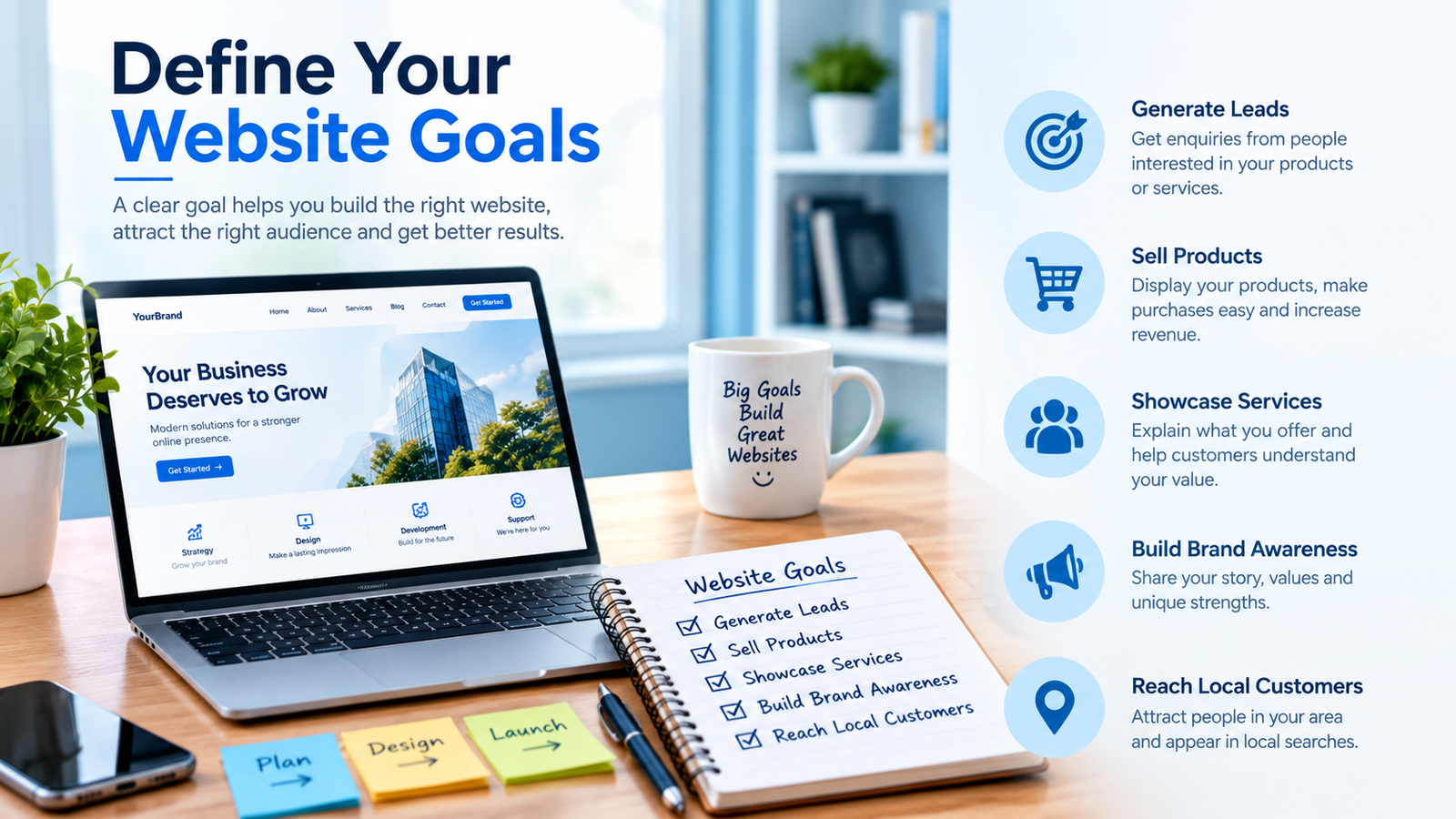
Before choosing a platform or designing pages, decide what you want your website to achieve.
Your goals might include generating leads, selling products, promoting professional services, displaying a portfolio, or attracting local customers.
Consider these questions:
- Who is your target audience?
- What information will visitors need?
- What action should visitors take?
- How will you measure whether the website is successful?
For example, if your goal is to generate digital marketing enquiries, your homepage should explain your services and include a clear contact button. If you operate an online store, product listings and a straightforward checkout process will be more important.
Step 2: Choose a Domain Name and Hosting
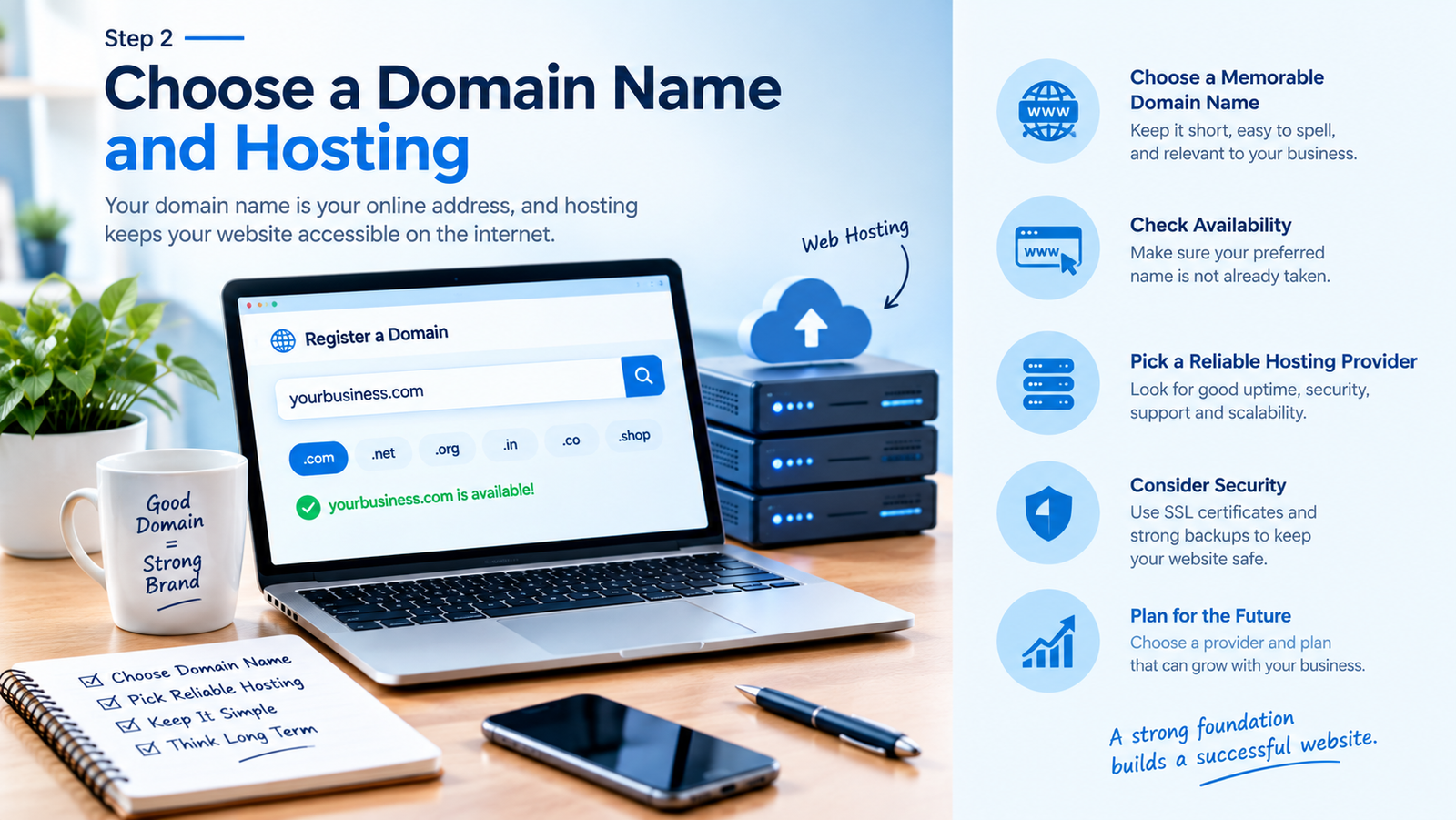
A domain name is your website’s address, such as yourbusiness.com. Choose a name that is easy to remember, relevant to your brand, and simple to spell.
Before registering a domain, check its availability and make sure it does not create confusion with an existing brand.
You may also need web hosting, which stores your website’s files and makes them accessible online. Some website-building platforms include hosting, while other setups require a separate hosting provider.
When choosing hosting, consider reliability, security, support, storage, and the ability to upgrade as your website grows.
Step 3: Select the Right Website Platform
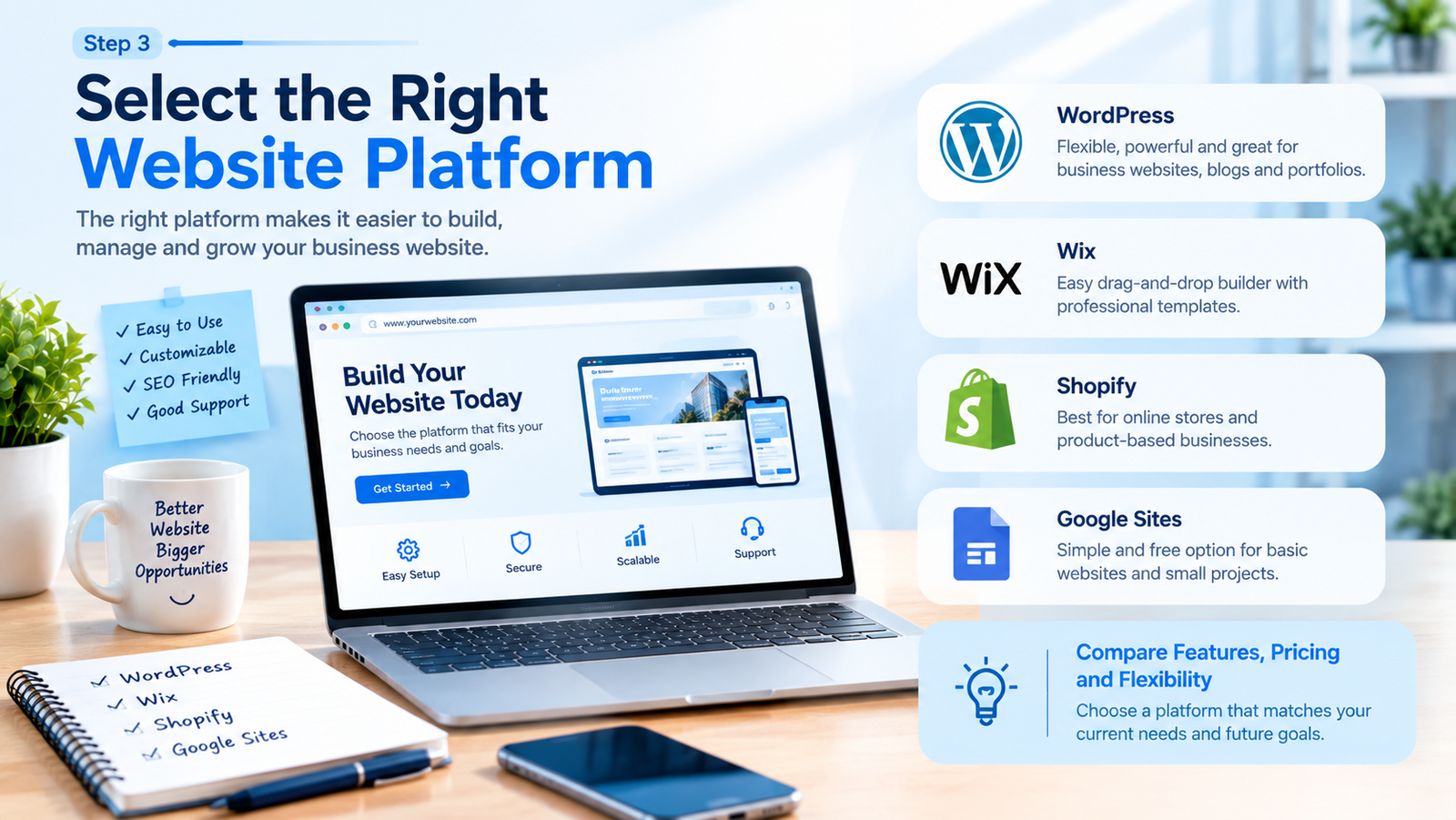
The platform you choose affects how easily you can build, manage, and expand your website.
Popular options include:
- WordPress: Useful for business websites, blogs, portfolios, and websites that require extensive customization.
- Wix: Provides visual editing tools and templates for people who prefer a website builder.
- Shopify: Designed primarily for businesses that want to sell products online.
- Google Sites: Suitable for simple websites with basic information and straightforward requirements.
There is no single best platform for every business. Compare the available features, costs, design flexibility, SEO controls, and maintenance requirements before deciding.
If you are creating a business website for the first time, choose a platform that matches your current needs rather than paying for features you may never use.
Step 4: Design a Professional Website
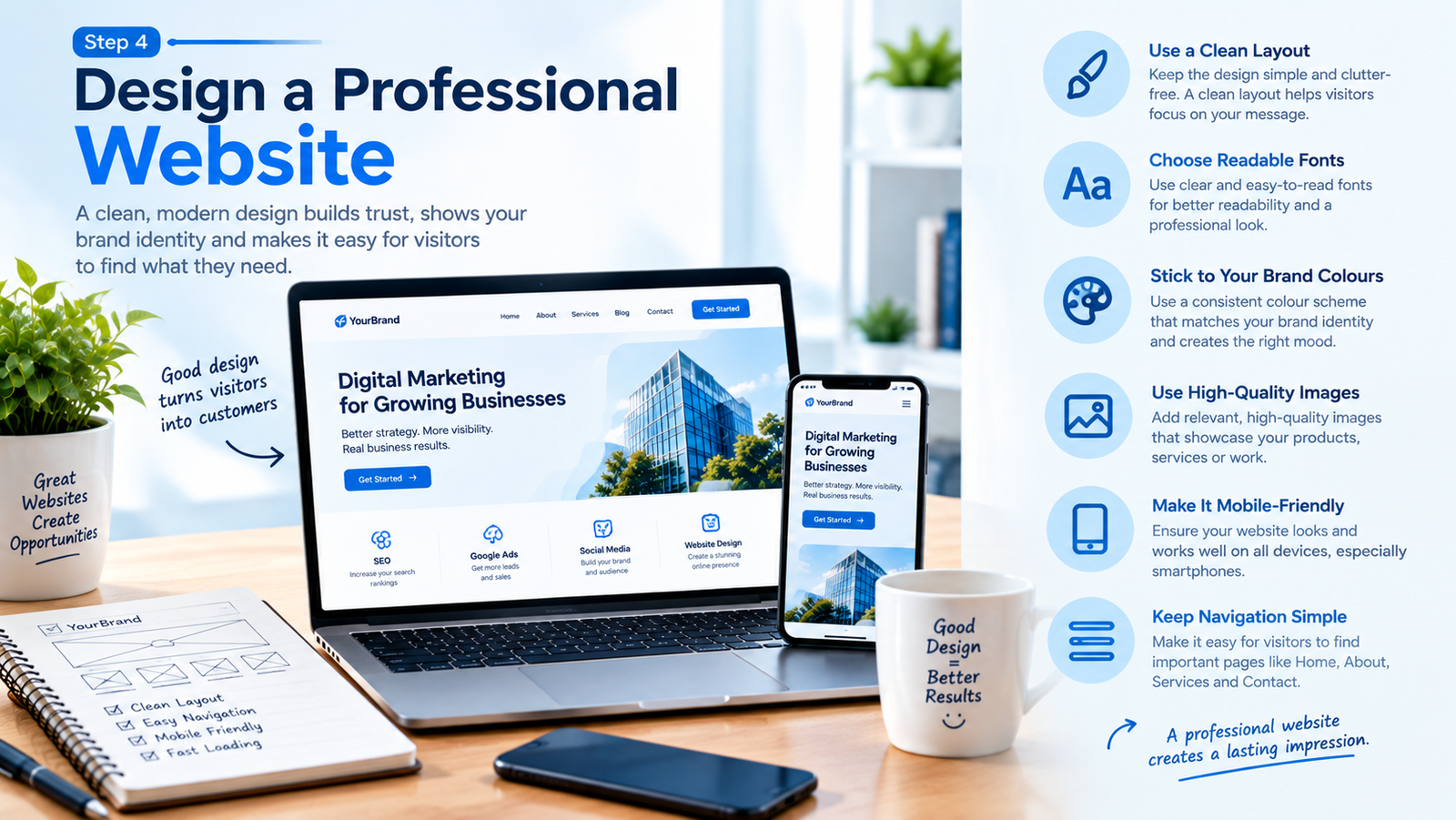
Your website should make it easy for visitors to understand what your business offers and find the information they need.
Use a consistent color scheme, readable typography, clear navigation, and relevant images. Avoid overcrowding pages with animations, unnecessary pop-ups, or too many competing calls to action.
Your homepage should communicate three things quickly:
- What your business does.
- Who your products or services are for.
- How visitors can take the next step.
For instance, a digital marketing website could display a headline about helping businesses improve online visibility, a short explanation of its services, examples of previous work, and a prominent enquiry button.
Make sure the layout works on mobile phones as well as desktop computers. Visitors should be able to read your content, navigate menus, and use contact forms without difficulty.
Step 5: Create Essential Website Pages
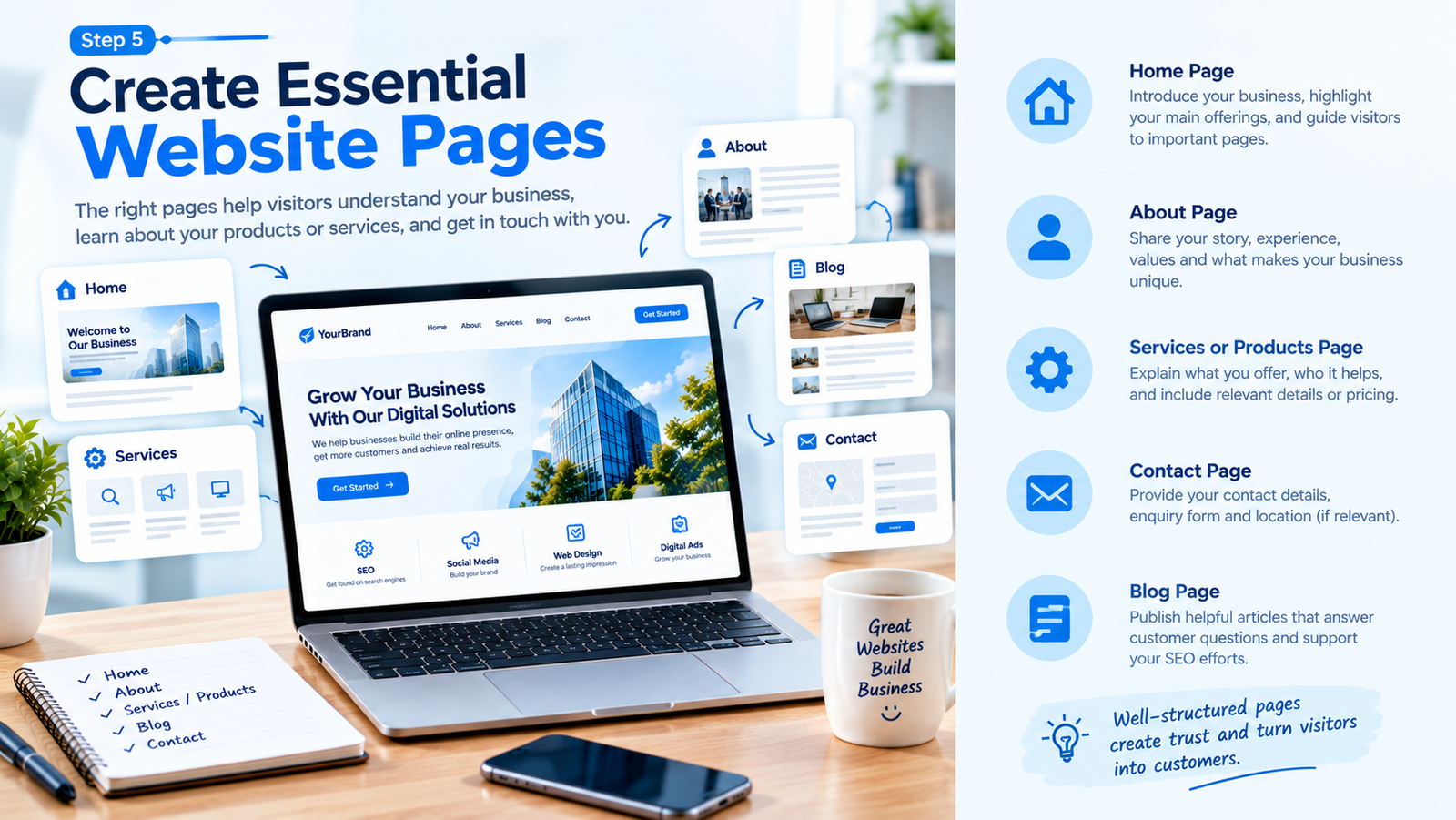
A business website should provide enough information for visitors to understand your business and decide whether your services meet their needs.
Home page: Introduce your business, highlight your main offering, and direct visitors to relevant pages.
About page: Explain your background, experience, business values, and approach.
Services or products page: Describe what you offer, who it helps, and any relevant pricing or package details.
Contact page: Provide appropriate contact details, an enquiry form, and your business location if relevant.
Blog page: Publish useful articles that answer questions related to your industry.
You may also need a privacy policy, terms and conditions, or refund and shipping policies, depending on how your website operates.
Write original content for each page. Clear, specific information is more useful to customers than vague statements about being the best business in the industry.
Step 6: Optimize Your Website for SEO
Search engine optimization (SEO) helps search engines understand your pages and helps potential customers discover relevant content.
If you want to learn how to create a website for your business that can attract organic traffic, include SEO in your website plan from the beginning.
Conduct Keyword Research
Identify the phrases your target audience uses when searching for your products or services. These phrases can guide your page titles, headings, and content.
For example, a digital marketing freelancer might research keywords such as:
- Digital marketing services for small businesses
- SEO services for local businesses
- How to promote a business online
- How to create a website for your business
Choose keywords that match the purpose of each page. Avoid placing every keyword on the homepage.
Optimize Page Titles and Headings
Give every important page a clear, descriptive title. Use headings to organize content logically and help readers find relevant information.
Include your primary keyword where it fits naturally, but do not repeat it unnecessarily.
Create Helpful Content
Publish articles that answer genuine customer questions. A web design business, for example, could write about website costs, choosing a website platform, and essential pages for small businesses.
Google recommends creating helpful, reliable, people-first content rather than producing pages mainly to manipulate rankings.
Improve Technical SEO
Check that your website is accessible to search engine crawlers, uses HTTPS, loads reliably, and works across devices. Create a logical internal linking structure so visitors and search engines can navigate between related pages.
You can also use Google Search Console to monitor search performance, inspect URLs, and identify indexing issues.
Step 7: Improve Website Speed and User Experience
A website that loads slowly or makes information difficult to find can frustrate visitors. Test your pages on mobile and desktop devices, and identify unnecessary elements that may affect performance.
Practical improvements include:
- Compressing large images without noticeably reducing quality.
- Using a lightweight design and avoiding unnecessary plugins.
- Removing broken links and outdated pages.
- Making buttons and navigation easy to use.
- Keeping forms short and requesting only necessary information.
Step 8: Add Clear Calls to Action
A call to action (CTA) tells visitors what to do next. Without a clear next step, someone interested in your services may leave without contacting you.
Useful examples include:
- Request a Quote
- Contact Our Team
- View Our Portfolio
- Book a Consultation
- Shop Our Products
Place CTAs where they make sense, such as after a service description or near the end of a relevant article.
For a freelancer, a contact form asking for a name, email address, and a short project description may be enough to start a conversation.
Step 9: Test and Publish Your Website
Before launching, check the website carefully. Test navigation menus, links, buttons, contact forms, and any payment features. Review spelling, confirm contact information, and check how pages appear on different screen sizes.
Also make sure search engines are not accidentally blocked from accessing pages you want to appear in search results.
After publishing, use Google Search Console to monitor whether important pages are indexed and how people find your website. Google does not guarantee that every page will be indexed or appear in search results, so monitor the site and resolve any issues you discover.
Common Mistakes to Avoid When Building a Business Website
Choosing a Platform Without Comparing Options
A platform that works well for a blog may not be ideal for a complex online store. Identify your goals and required features before committing to a platform.
Ignoring Mobile Users
A design that looks attractive on a large screen may be difficult to use on a phone. Test the mobile experience before publishing and after major design changes.
Publishing Thin or Repetitive Content
Pages with little useful information do not give customers a strong reason to trust your business. Explain your services clearly and answer the questions your audience is likely to have.
Using Keywords Too Frequently
Repeating the same phrase unnaturally can make content difficult to read. Use related terms where appropriate and prioritise a clear answer to the visitor’s question.
Forgetting to Maintain the Website
Outdated contact information, broken forms, and neglected software can damage the user experience. Review your pages regularly and keep the website’s software and security measures updated.
Expecting Immediate SEO Results
Search visibility takes time, and rankings are not guaranteed. Focus on useful content, sound technical foundations, and ongoing performance monitoring instead of expecting instant results.